
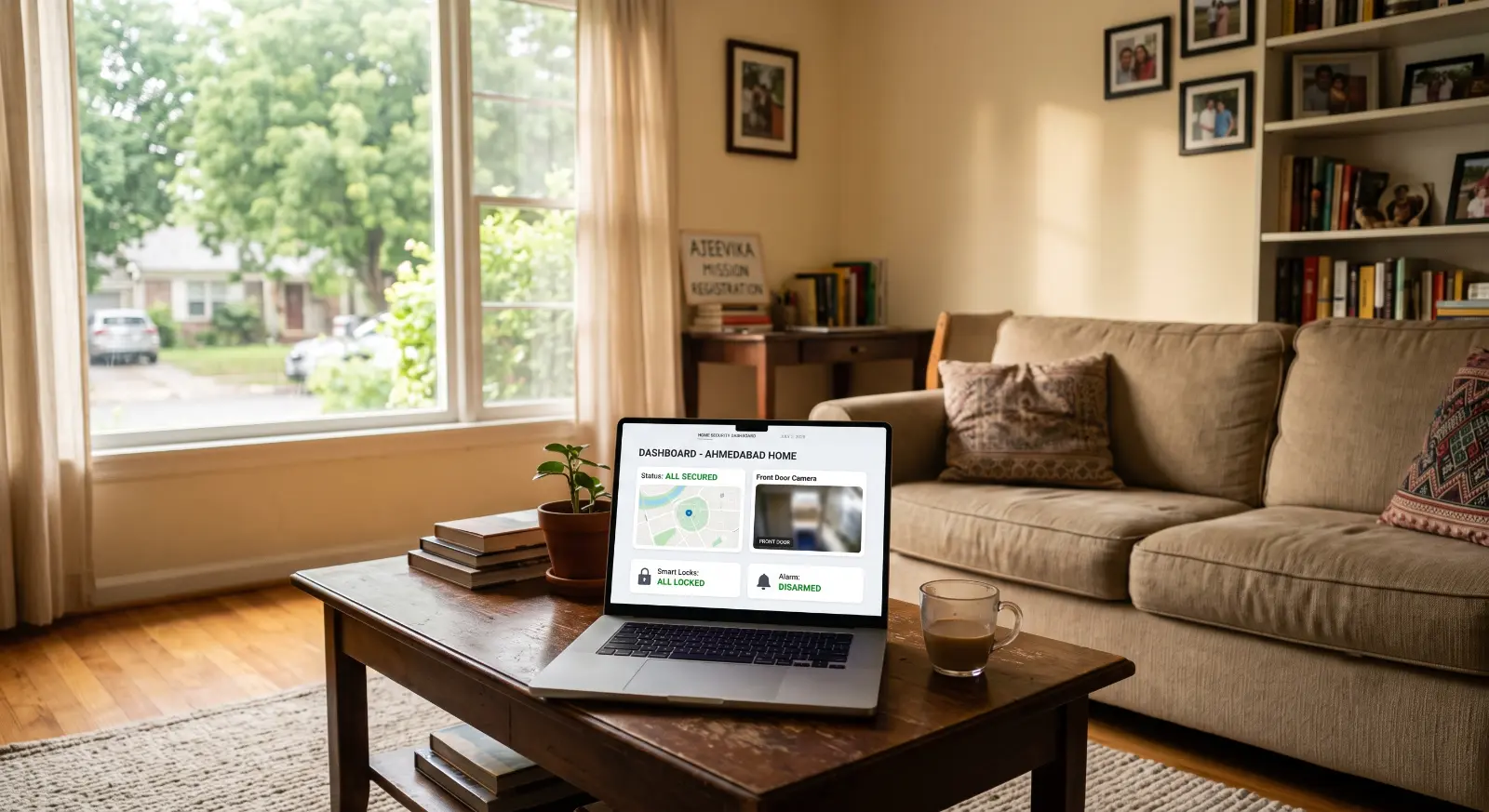
Think about everything connected to your home Wi-Fi right now. Your phone, your laptop, your smart TV, maybe a stray smart bulb in the hallway, or even your refrigerator. Now ask yourself: when was the last time you checked the digital locks on these devices? We wouldn’t leave our front door wide open while we go to sleep, yet millions of us leave our digital entry points completely unguarded. Running a routine digital security audit for your home isn’t just an activity for IT professionals anymore – it is a foundational practice for protecting your identity, your finances, and your family’s privacy in 2026.
Phase 1: Securing the Digital Front Door (Your Router)
Your internet router is the single gateway to every device in your house. If an intruder gains access to the router, they don’t just steal your bandwidth; they can intercept the traffic flowing from your computer to your bank.
Step 1: Change the Default Credentials
The biggest mistake homeowners make is leaving the factory-set admin password active. Hackers have databases of default passwords for every router model ever manufactured. Log into your router’s settings page via your browser and change the administrative password immediately to a unique passphrase.
Step 2: Implement WPA3 Encryption
Look at your wireless security settings. If your router supports it, switch your security protocol to WPA3. If you are running older hardware that only supports WPA2, make sure it is updated to the latest firmware to patch historical vulnerabilities.
Step 3: Create a Dedicated Guest Network
This is a critical strategy for your digital security audit. Split your Wi-Fi into two distinct networks: one for your trusted personal devices (laptops, phones) and a separate “Guest Network” for your smart home gadgets (smart TVs, smart plugs, voice assistants) and visitors. Smart home devices are notoriously poorly secured by manufacturers. By isolating them on a guest network, even if someone compromises your smart bulb, they cannot cross over to access your personal laptop where you do your banking.
Phase 2: Auditing Your Connected Smart Devices (IoT)
The Internet of Things (IoT) has made our lives incredibly convenient, but it has also created an expansive attack surface inside our homes. Every smart camera, baby monitor, and connected appliance needs a security review.
| Device Type | Primary Risk | Actionable Fix |
| Smart Cameras | Credential stuffing, unauthorized feeds | Enable 2FA, turn off remote web viewing if not required. |
| Voice Assistants | Accidental audio recordings, voice purchasing | Delete voice history weekly, disable voice-purchasing options. |
| Smart TVs | Data tracking, malicious app downloads | Clear app cache, restrict data-sharing permissions in settings. |
| Smart Appliances | Unpatched software vulnerabilities | Set to auto-update firmware via the manufacturer’s app. |
During your digital security audit, physically walk through your house and count every connected object. Check the settings app for each device and ensure that automatic firmware updates are turned on. Manufacturers frequently push security patches to fix discovered flaws; keeping your software updated is 80% of the cybersecurity battle.
Phase 3: Personal Data and Account Hardening
Now that the physical network and devices are secure, it is time to look at the data traveling across them. Your personal accounts are the ultimate target for cybercriminals.
The Power of a Password Manager
Stop trying to memorize your passwords, and stop writing them down in a notebook next to your desk. If a password is easy for you to remember, it is easy for a machine to crack using brute-force algorithms. Use a dedicated password manager to generate long, completely random strings of characters for every account you own.
Non-Negotiable Multi-Factor Authentication (MFA)
If a service offers multi-factor authentication, you must enable it. MFA ensures that even if a malicious actor steals your password in a data breach, they still cannot access your account without a secondary verification code sent to your physical device. For maximum safety, move away from SMS-based verification codes (which can be hijacked via SIM-swapping scams) and use a dedicated authenticator app or a physical hardware security key.
Establishing a Quarterly Auditing Habit
A digital security audit is not a one-time project that you complete and forget about. Technology evolves, new vulnerabilities are discovered daily, and we constantly bring new devices into our living spaces. Mark a recurring date on your calendar every three months to spend one hour running through this checklist. Clean out old apps you no longer use, review your bank account permissions, and ensure your network remains locked down. Taking control of your digital environment doesn’t require a degree in computer science – it simply requires the discipline to look at your digital locks and ensure they are tightly shut.