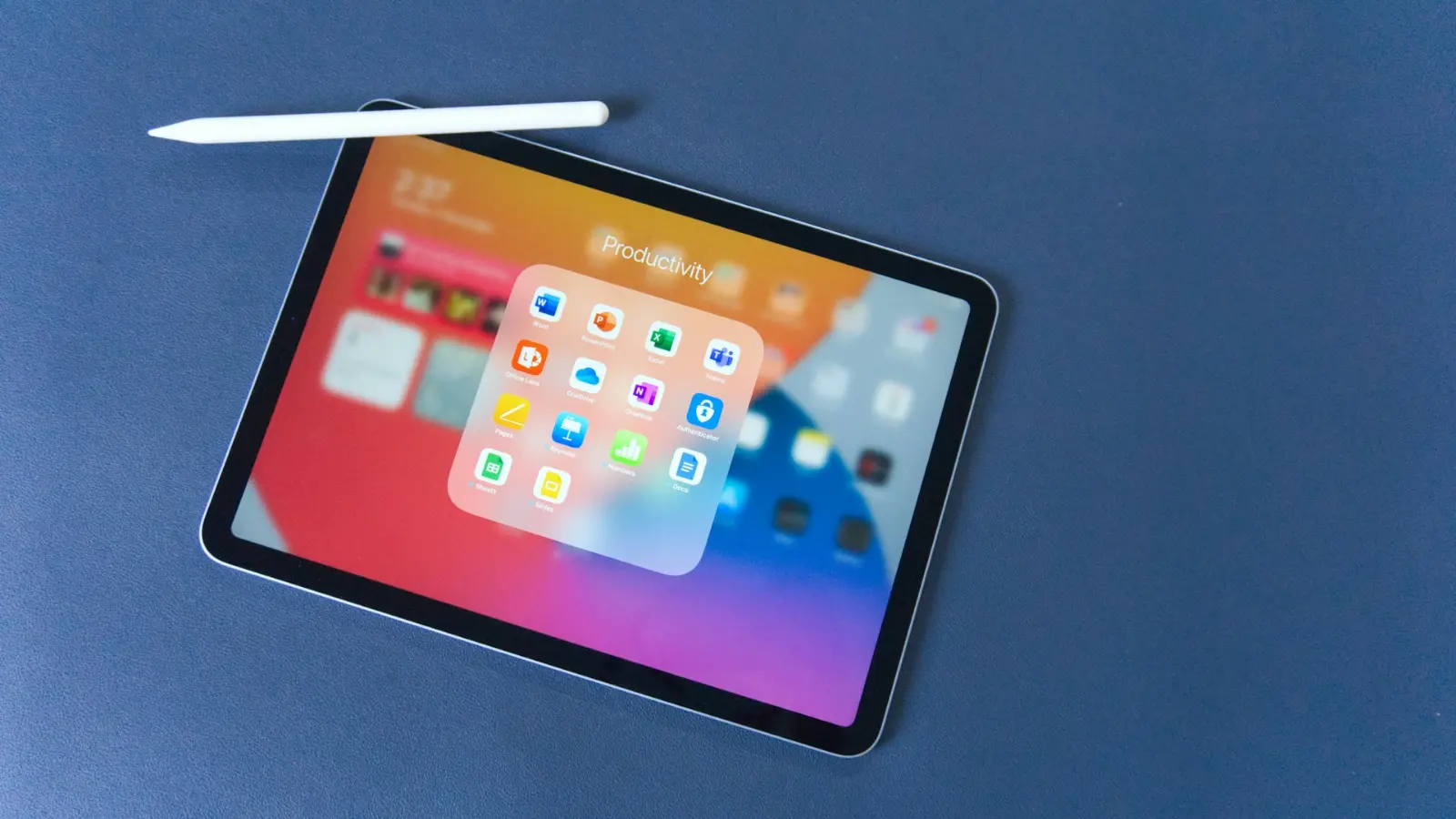
For years, the tech world was obsessed with a single question: could a tablet replace your laptop? We spent a decade trying to shoehorn desktop operating systems into touch-only glass slabs. In 2026, the answer is finally clear: they were asking the wrong question. Tablet computers in 2026 are not supposed to be laptop replacements. They are specialized, high-performance tools that have finally found their own lane in the modern professional workflow.
The Specialized Role of Tablets
If you think of a tablet as a small computer, you are likely to be disappointed. However, if you think of it as a digital canvas and cognitive focus tool, it becomes the most valuable device in your bag.
Why Creatives and Managers Choose Tablets
- Unmatched Stylus Precision: For designers, architects, and engineers, the tablet is the only way to interact with digital assets as if they were physical objects. The direct mapping of hand-to-screen movement is still the most efficient way to capture complex ideas.
- The Focus-First Interface: Tablets are designed to show you exactly one application at a time. This is a massive advantage for high-concentration work. When you are writing a report or researching a project, the tablet removes the clutter of 30 open browser tabs, allowing you to enter a flow state much faster than you could on a full-blown laptop.
Navigating the Workflow Bottlenecks
To understand the place of tablet computers in 2026, you have to acknowledge where they struggle. They are not built for mass data entry or heavy, multi-application multitasking. If your day consists of managing large spreadsheets and jumping between five different enterprise applications simultaneously, a tablet will feel like a cage. The touch-based navigation, while great for reading, can become a bottleneck when you need the granular speed of a keyboard-and-trackpad combo.
How to Integrate a Tablet into Your Workflow
If you decide that a tablet is right for you, do not try to make it your only device. Treat it as a companion device in your digital ecosystem.
- The Read-and-Review Zone: Use your tablet as the dedicated home for all your PDFs, industry reports, and long-form reading. By separating your reading work from your production work (your laptop), you create a mental shift that improves your focus.
- The Idea Capture Tool: Keep a tablet on your desk for whiteboarding and brainstorming. When you have a complex idea to map out, drawing it by hand is often faster than clicking through a slide-deck builder.
- The Travel companion: For commuters, the tablet is the king of the “in-between” times. It is much easier to review a draft or answer a few quick emails on a tablet while on a train than it is to haul out a full-sized laptop.
In the end, tablet computers in 2026 have matured into professional devices. They are not meant to kill the laptop; they are meant to handle the specific parts of our work that require focus, mobility, and visual precision. They are the perfect specialized instrument for the modern, multi-device professional.